1. What is Node-RED?
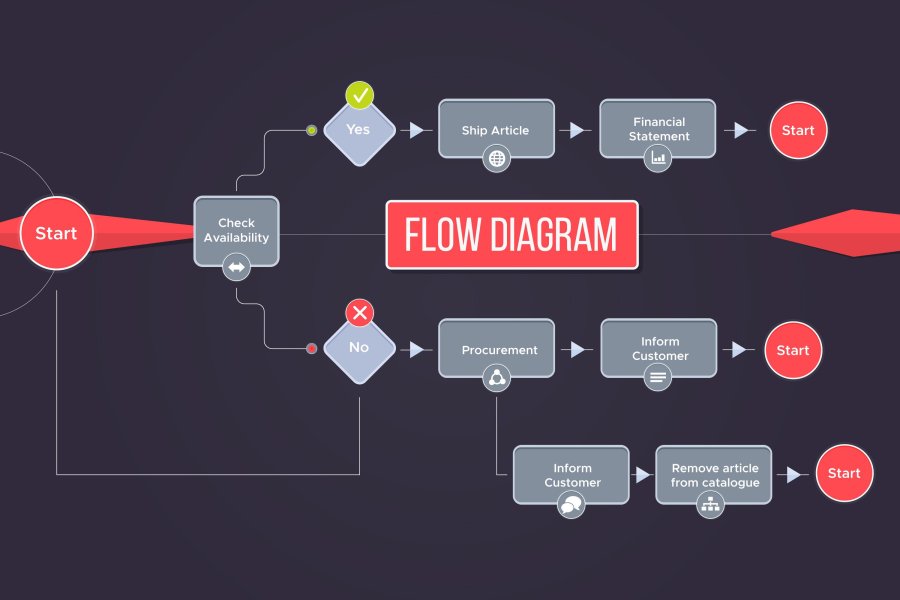
Node-RED is a visual workflow-based platform (flow-based development tool) used to flexibly connect hardware, APIs and online services. Node-RED was developed by IBM as an open-source project and is widely used in Internet of Things (IoT) development, industrial automation, and system integration.
2. Advantages of Node-RED
Node-RED offers various advantages, including,
Visual Driven Development: Users can connect nodes by drag-and-drop without having to write much code.
Easy Integration: Supports various communication protocols such as MQTT, HTTP, and WebSocket.
Node.js Based: Leverages the JavaScript ecosystem, allowing integration with many additional libraries.
Open Source: Free to use and supported by a large community.
3. Node-RED Installation
Node-RED can be installed on various operating systems such as Windows, Linux, and macOS. Here are the installation steps on Ubuntu:
sudo apt update && sudo apt install -y nodejs npm sudo npm install -g --unsafe-perm node-red node-red
Once running, the Node-RED interface can be accessed via a browser at the address localhost port 1880.
4. Basic Concepts of Node-RED
Node-RED uses the concepts of "Node" and "Flow" in its development process:
Node: A basic component that has a specific function (input, output, or data processing).
Flow: A series of interconnected nodes to perform a specific task.
Dashboard: User interface to display and control data in real-time.
5. Basic Usage - Create Simple Flows
For example, we can create a simple flow that reads data from sensors and displays it on a dashboard. Here are the steps:
Add an inject node to generate data manually.
Connect to the function node to process data.
Use the debug node to see the results in the debug panel.
Run the flow and observe the output.
6. Integration with MQTT
Node-RED supports communication with the MQTT protocol which is often used in IoT projects. To connect Node-RED with an MQTT broker:
Add an mqtt node in to receive messages from the broker.
Use the mqtt out node to send messages.
Configure broker address, topic and other parameters.
7. Integration with API and Web Services
Node-RED can function as a link between systems with an HTTP-based API. Example of use:
Uses http request node to fetch data from external API.
Use http in and http response nodes to create your own API endpoint.
Connect with cloud services such as AWS, Google Cloud, or Firebase.
8. Home Automation (Smart Home) with Node-RED
Node-RED is often used in smart home systems with devices such as the Raspberry Pi and ESP8266. Implementation example:
Control lights and electronic devices using relays.
Connecting with temperature and humidity sensors for environmental monitoring.
Use Telegram or email notifications for automatic alerts.
9. Using Node-RED for Data Analysis
Node-RED can be integrated with databases such as MySQL, PostgreSQL, or MongoDB to store and analyze data.
Using mysql node to save sensor data to database.
Connecting with Grafana for data visualization in graphical form.
Create automatic alerts based on received data.
10. Security in Node-RED
When used in a production environment, security must be considered:
Enable authentication on the dashboard and editor.
Uses TLS encryption for secure communications.
Restrict access to only certain IPs using a firewall.
11. Deploy Node-RED di Cloud atau Docker
Node-RED can be run on a cloud server or use Docker for more flexible deployment:
docker run -it -p 1880:1880 --name mynodered nodered/node-red
This way, Node-RED can run in various environments without the need for manual installation.
12. Custom Node Development
Apart from using the default nodes, users can create their own custom nodes for special needs. This allows integration with hardware or services that are not yet available by default in Node-RED.
13. Conclusion
Node-RED is a very useful tool for workflow automation, especially in IoT, API integration, and data processing. With a visual-based interface, developers can create complex solutions more easily and quickly. With a variety of integration options and ease of use, Node-RED is an ideal choice for projects that require automation and real-time data processing.