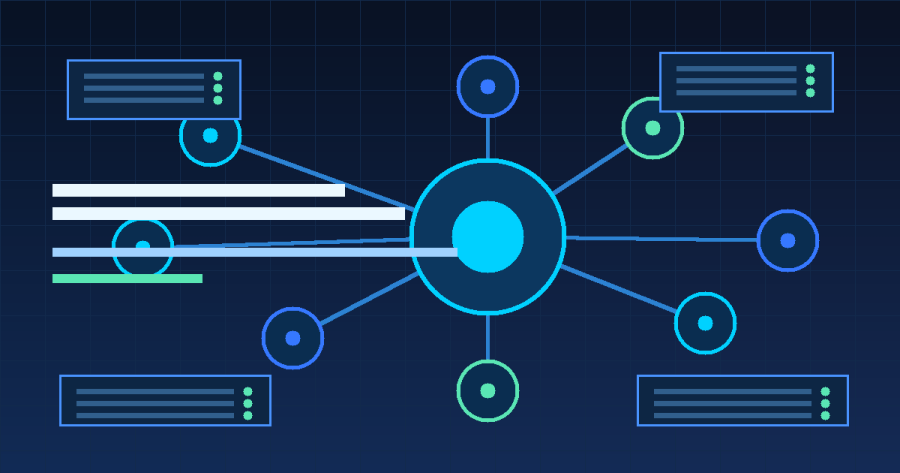
AI agents are becoming one of the strongest trends in the world of technology. Not only because of their ability to answer questions like chatbots, but because AI agents are starting to be used to run workflows, read system conditions, help analyze incidents, and provide recommendations for action in a more contextual manner.
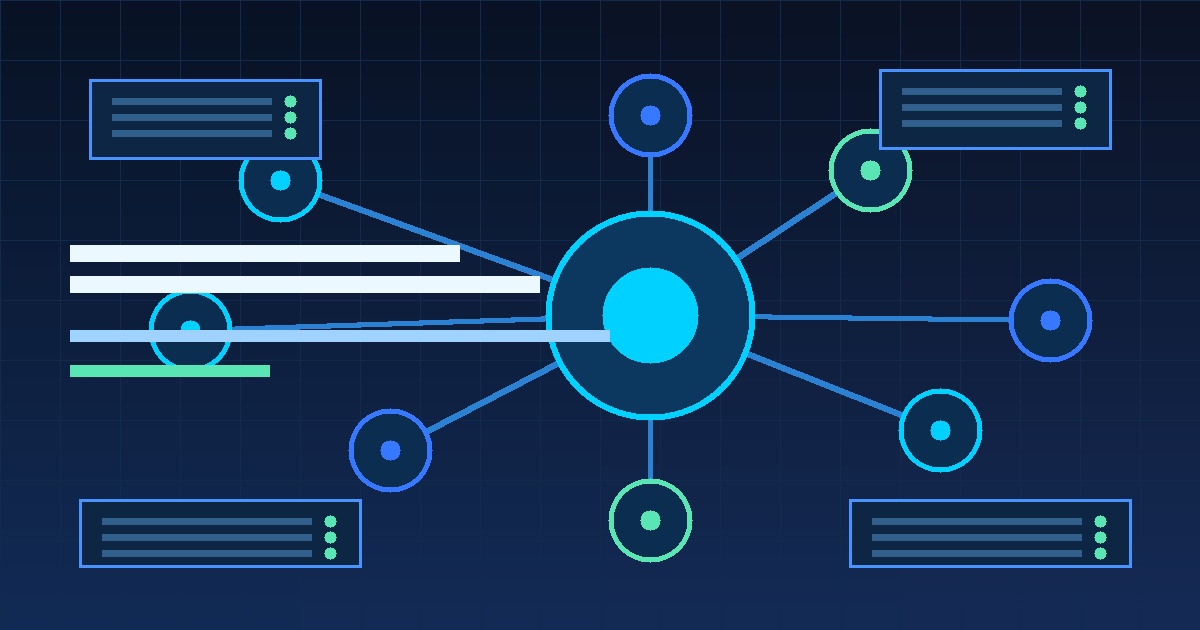
For DevOps teams, sysadmins, and business owners who depend on digital infrastructure, this trend is important to pay attention to. Modern IT systems are increasingly complex: servers, containers, databases, CI/CD pipelines, monitoring, backup, security, and various cloud services must run stably at all times. On the other hand, operational teams often face too many alerts, repetitive manual work, and pressure to respond to incidents as quickly as possible.
This is where AI agents start to become relevant. AI agents can help IT teams understand system conditions more quickly, summarize alerts, read logs, run certain runbooks, and even help with the incident response process. However, its implementation must still be carried out safely, gradually, and with clear human control.
What is an AI Agent?
An AI agent is an AI-based system that not only provides answers, but can also carry out certain steps to achieve a goal. If chatbots usually wait for questions and answer based on instructions, AI agents can work more actively: receiving goals, reading context, selecting relevant tools, carrying out processes, then providing results or recommendations.
In the context of DevOps, AI agents can be used to help activities such as:
- read server and service status;
- analyze error logs;
- summarize monitoring alerts;
- create incident tickets;
- run automation workflows;
- provide recommendations for actions based on runbooks;
- assist with post-incident documentation.
In other words, AI agents are not just a conversational feature. It can be an intelligent automation layer on top of IT monitoring, deployment and operational systems.
Why are AI Agents starting to become popular in the world of DevOps?
The popularity of AI agents is increasing as IT operational needs change. Many organizations are now running applications in more dynamic architectures: microservices, containers, Kubernetes, multi-cloud, hybrid infrastructure, and fast-paced deployment pipelines.
This operational model brings great benefits, but also creates new challenges. When a disruption occurs, the DevOps team needs to understand many data sources at once: metrics, logs, traces, deployment status, network configuration, database, queue, and application change history. The manual investigation process can take a long time.
AI agents can help by gathering context from various sources, summarizing important information, and speeding up the initial analysis process. As a result, the team does not have to start an investigation from scratch every time an alert appears.
AI Agent for Server and Infrastructure Monitoring
Traditional monitoring usually relies on dashboards and alerts. Tools such as Prometheus, Grafana, Zabbix, Netdata, or cloud monitoring solutions are very helpful for viewing system conditions. However, dashboards still require humans to read, relate patterns, and make decisions.
AI agents can add a layer of analysis on top of monitoring systems. For example, when the server CPU increases, the disk is almost full, or the service restarts frequently, the AI agent can help answer questions such as:
- what changed before the problem occurred?
- Which services are most affected?
- has this pattern happened before?
- is there an associated error log?
- what initial actions are safe to take?
With this approach, monitoring is not just a collection of graphs and alerts, but can turn into a more proactive and easy-to-understand system.
AI Agent for Incident Response
Incident response is one of the most interesting areas for the application of AI agents. In production incidents, time is precious. The longer the team takes to understand the problem, the greater the potential impact to users and the business.
AI agents can help the incident response process in several ways:
-
Summarize alerts
AI agents can group related alerts so that teams don't get drowned in repetitive notifications. -
Help with incident prioritization
Not all alerts have the same level of urgency. AI agents can help assess the impact based on service, severity and incident history. -
Read logs and look for patterns
Rather than manually reading thousands of log lines, AI agents can help find dominant errors, pattern changes, or the most relevant messages. -
Provides recommendations based on runbooks
If an organization already has an SOP or runbook, an AI agent can help suggest appropriate steps. -
Create a post-incident summary
After the problem is resolved, the AI agent can help compile a timeline, initial causes, impacts and prevention recommendations.
However, for critical actions such as database restarts, deployment rollbacks, firewall changes, or large-scale scaling, human approval is still important. AI agents should help speed up decisions, not take over full control without limits.
Workflow Automation: From Manual to More Structured
Much of an IT team's work is actually repetitive. For example, checking services, validating backups, creating tickets, restarting certain services, checking disk capacity, or sending daily reports. Jobs like this are suitable candidates for automation.
With AI agents, workflow automation can be made more adaptive. Traditional automation usually works with a fixed rule: if A happens, execute B. AI agents can help read the broader context before suggesting or executing actions.
Realistic use case example:
- if the disk is almost full, the AI agent summarizes the fastest growing folders and makes cleaning recommendations;
- if the service restarts frequently, the AI agent reads the last log and creates an investigation ticket;
- if the backup fails, the AI agent sends a summary of errors and checking steps;
- if the deployment fails, the AI agent reads the pipeline log and provides possible causes;
- if an alert comes from multiple servers, the AI agent groups the events based on the same pattern.
This approach makes IT operations more consistent and reduces repetitive manual work.
Benefits of AI Agent for Business
AI agents are not only useful for technical teams. For businesses, the main benefits are in efficiency, speed of response and stability of digital services.
Some of the most noticeable benefits:
- Faster response time because initial information has been summarized automatically.
- Downtime can be reduced because the detection and escalation process is faster.
- Small teams can work more effectively without having to handle everything manually.
- More consistent operations because actions follow clear runbooks and workflows.
- Documentation is neater because incident summaries and reports can be made more quickly.
- Decisions are more data-based because AI agents can read context from metrics, logs and event history.
For companies that have digital services, business websites, internal applications, transaction systems, or cloud infrastructure, capabilities like this can help maintain service quality without always increasing the burden on internal teams.
Risks to Be Aware of
Although promising, AI agents should not be installed without a thorough security design. The greater the access given to the AI agent, the greater the risk if configuration or instruction errors occur.
Some important things to note:
- Limit permissions as needed. Don't give root access or full production access in the first place.
- Use read-only mode first for observations, analysis and recommendations.
- Apply human-in-the-loop for high-impact actions.
- Save an audit log so that every action can be traced.
- Protect credentials and secrets such as API keys, tokens, and passwords.
- Validate AI output before running commands or changing configurations.
- Separate testing and production environments to reduce risk.
The best principle is simple: start small, measure results, then increase automation gradually.
How to Get Started with AI Agent Implementation for DevOps
Implementing an AI agent doesn't have to be big right away. In fact, the safest step is to start from a clear and low-risk use case.
Recommended stages:
-
Tidy up basic monitoring
Make sure metrics, logs, and alerts are available. AI agents will be more useful if their operational data is complete. -
Start from the read-only use case
Examples include alert summarization, log analysis, server status reports, or incident summaries. -
Create a simple runbook
Document steps for handling common problems so that the AI agent has a clear reference. -
Integrate with existing tools
For example monitoring, ticketing, Telegram/Slack alerting, GitLab CI/CD, Ansible, or dashboard observability. -
Add approval for automatic actions
For the initial stage, the AI agent should provide recommendations and ask for approval before carrying out actions. -
Evaluate accuracy and operational impact
Measure whether AI agents actually reduce investigation time, speed up responses, or reduce manual work.
With a phased approach, AI agents can become part of a safe and scalable DevOps strategy.
Do All Businesses Need an AI Agent?
Not all businesses need to directly use AI agents. If the infrastructure is still simple, monitoring is not yet available, or operational SOPs are not yet clear, the first priority should be to build a solid DevOps and monitoring foundation.
However, AI agents become relevant if your business experiences conditions such as:
- too many alerts and difficult to prioritize;
- IT team is often overloaded;
- troubleshooting takes a long time;
- inconsistent incident documentation;
- a lot of repetitive operational work;
- the system is quite complex and requires 24/7 monitoring;
- downtime has a direct impact on customers or revenue.
If these signs begin to emerge, AI agents could be the next step to improve operational efficiency.
Conclusion
AI agents are one of the new directions in the world of DevOps and IT operations. Its role is not to replace humans completely, but to help teams work faster, more consistently and more data-driven.
In server monitoring, incident response, workflow automation, and log analysis, AI agents can reduce manual burden and speed up the investigation process. However, implementation must still pay attention to security, access restrictions, audit logs, and human approval for critical actions.
For businesses looking to improve system stability, reduce downtime, and build more efficient IT operations, AI agents can be an important part of a modern DevOps strategy.
Need help building a more practical monitoring, incident response or DevOps automation system? IDDevOps can help design DevOps, managed service and IT operational automation solutions that suit your business needs, including an AI agent approach in a safe and gradual manner.